Bottle Buster
A downloadable tool for Windows
Real-time performance monitoring for Windows that tells you what is slowing your PC down — and which process is causing it.
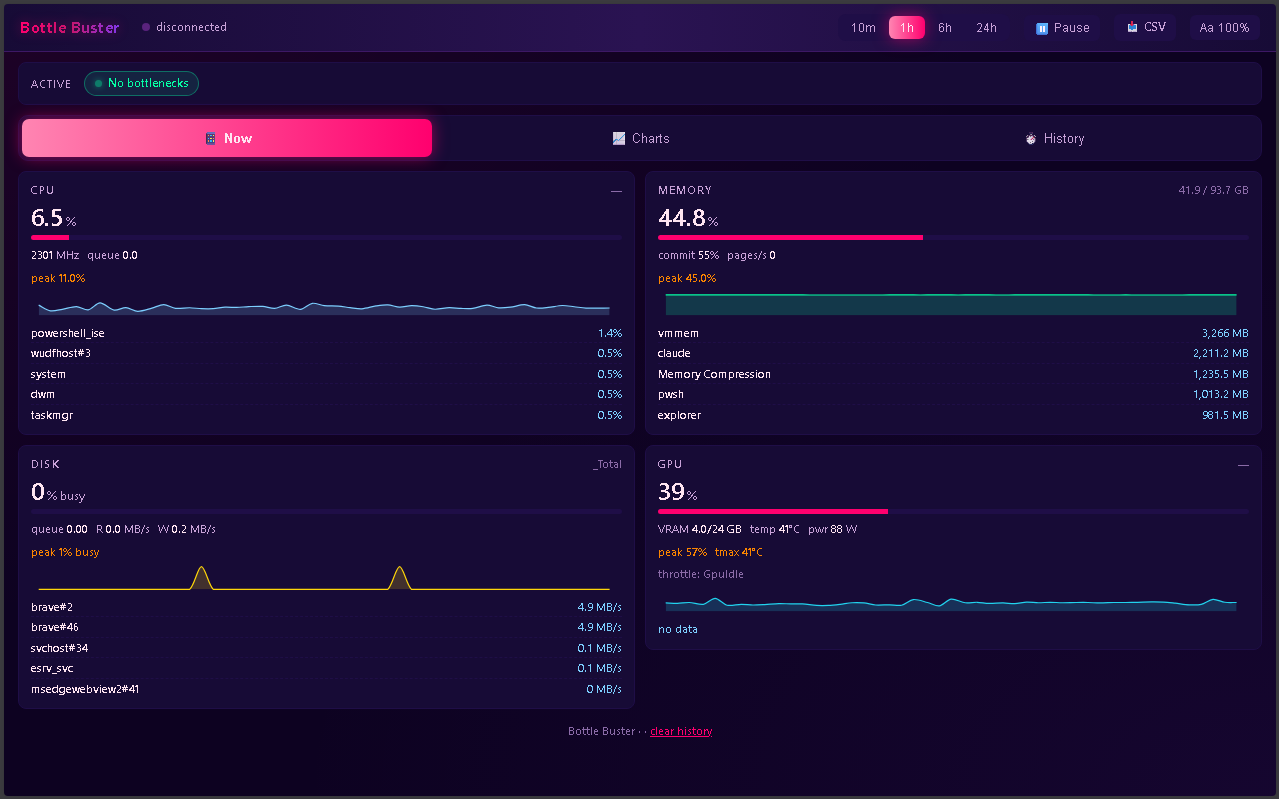
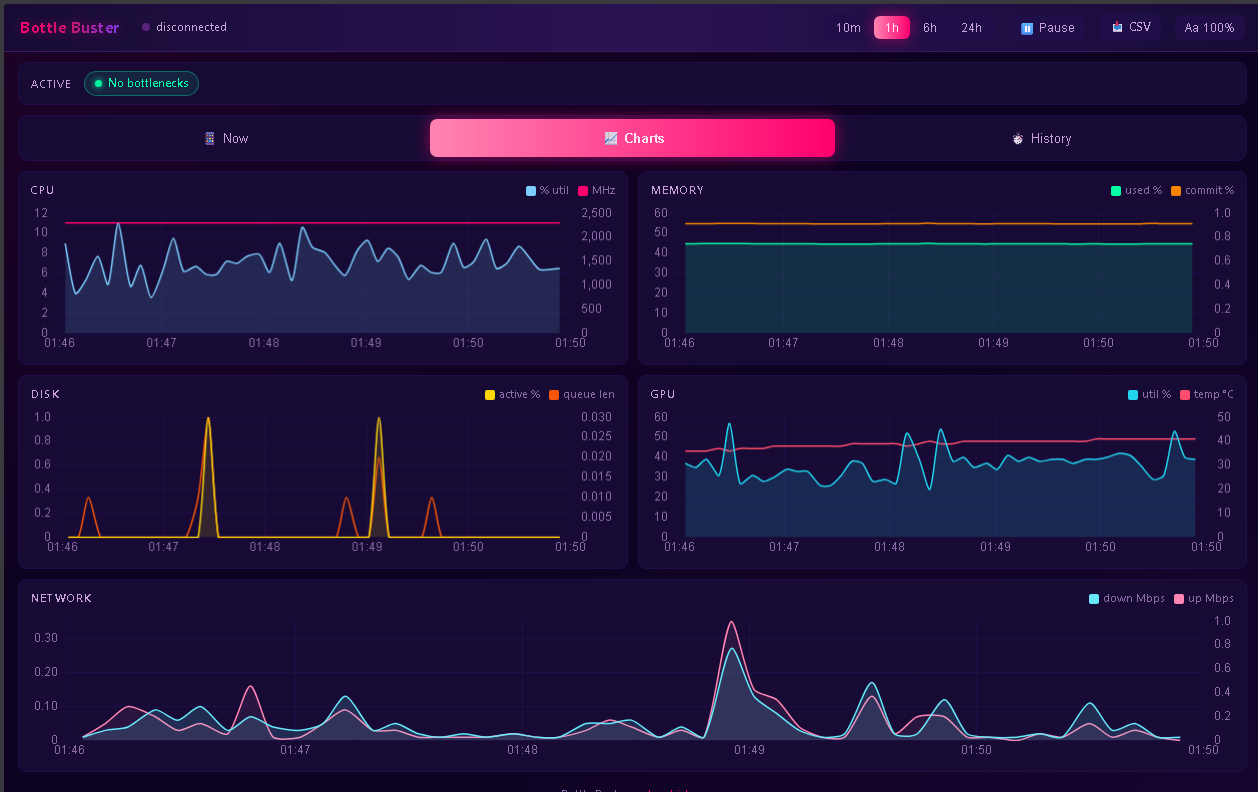
Not another task manager. Bottle Buster watches CPU, GPU, memory, disk, and network in real time, and when something starts choking your system it flags exactly which subsystem is the bottleneck. Frame drops in your game? Build slowdowns at work? Random stutter that comes and goes? Bottle Buster names the culprit instead of just showing you graphs.
What it watches
- System — CPU load, frequency, throttling, queue depth; memory pressure, paging, commit; disk activity and queue; network throughput
- GPU (NVIDIA) — utilization, VRAM, temperature, power, clocks, and NVIDIA's own throttle reasons decoded into plain English
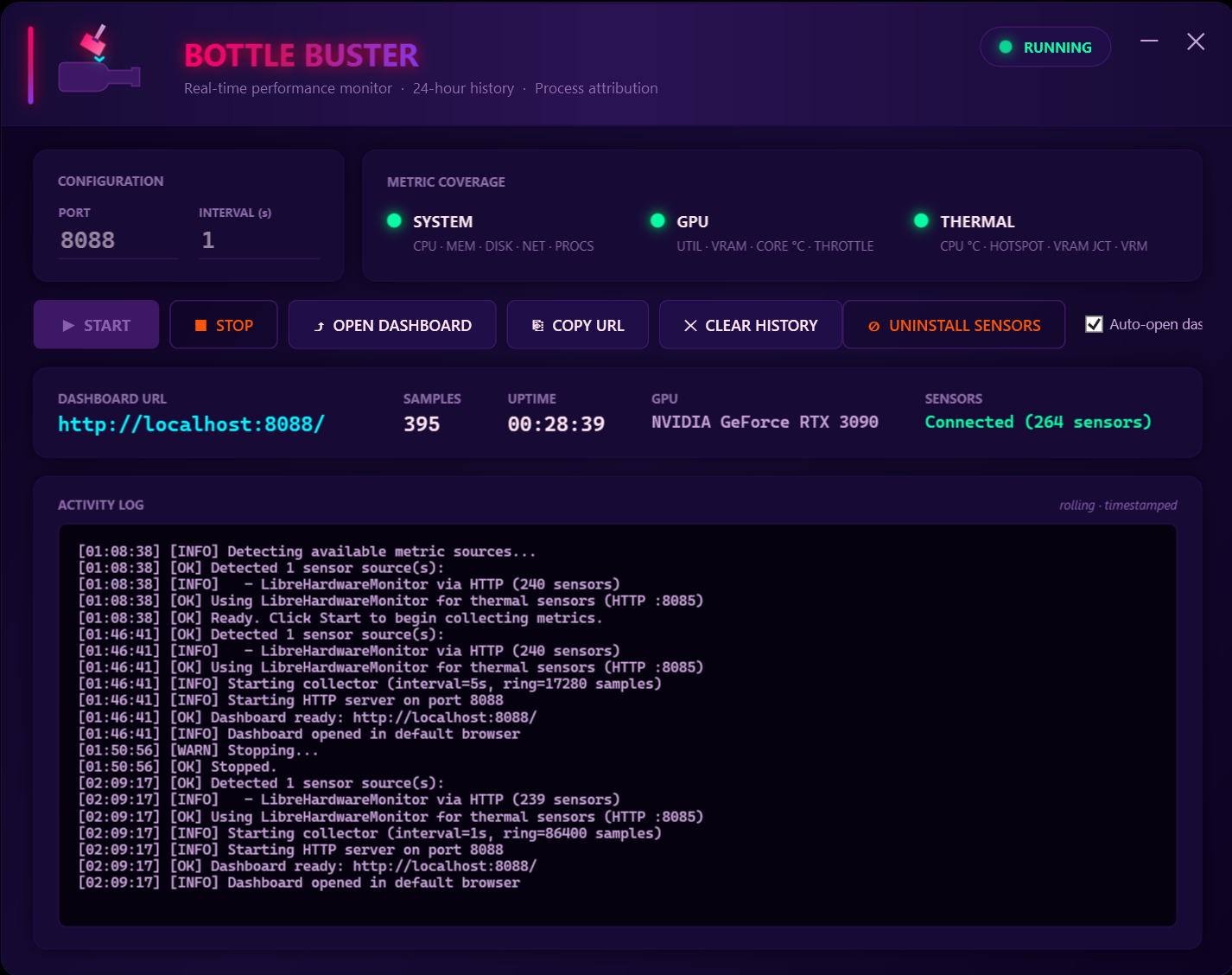
- Thermal — CPU package temp, GPU core / hotspot / VRAM junction / VRM, motherboard sensors. Optional one-click install of LibreHardwareMonitor adds 150–250+ sensors depending on your hardware.
What makes it different
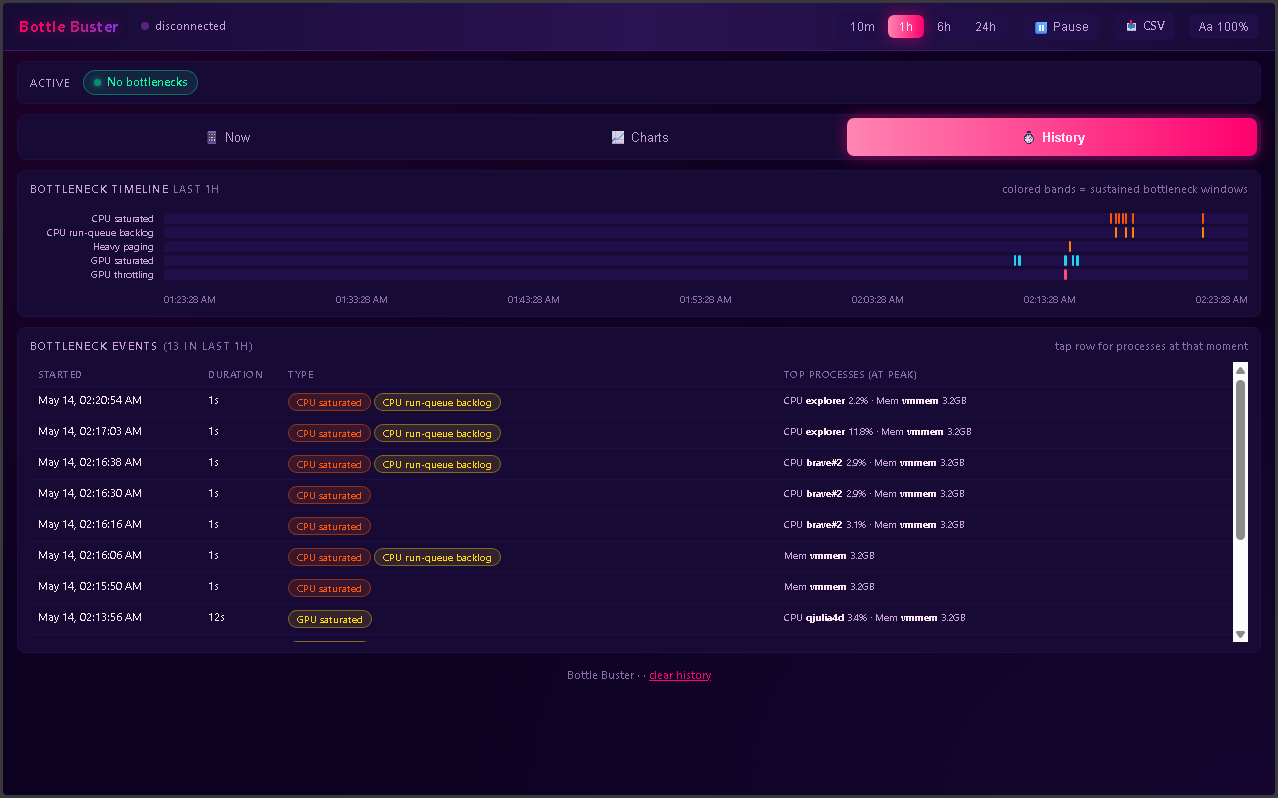
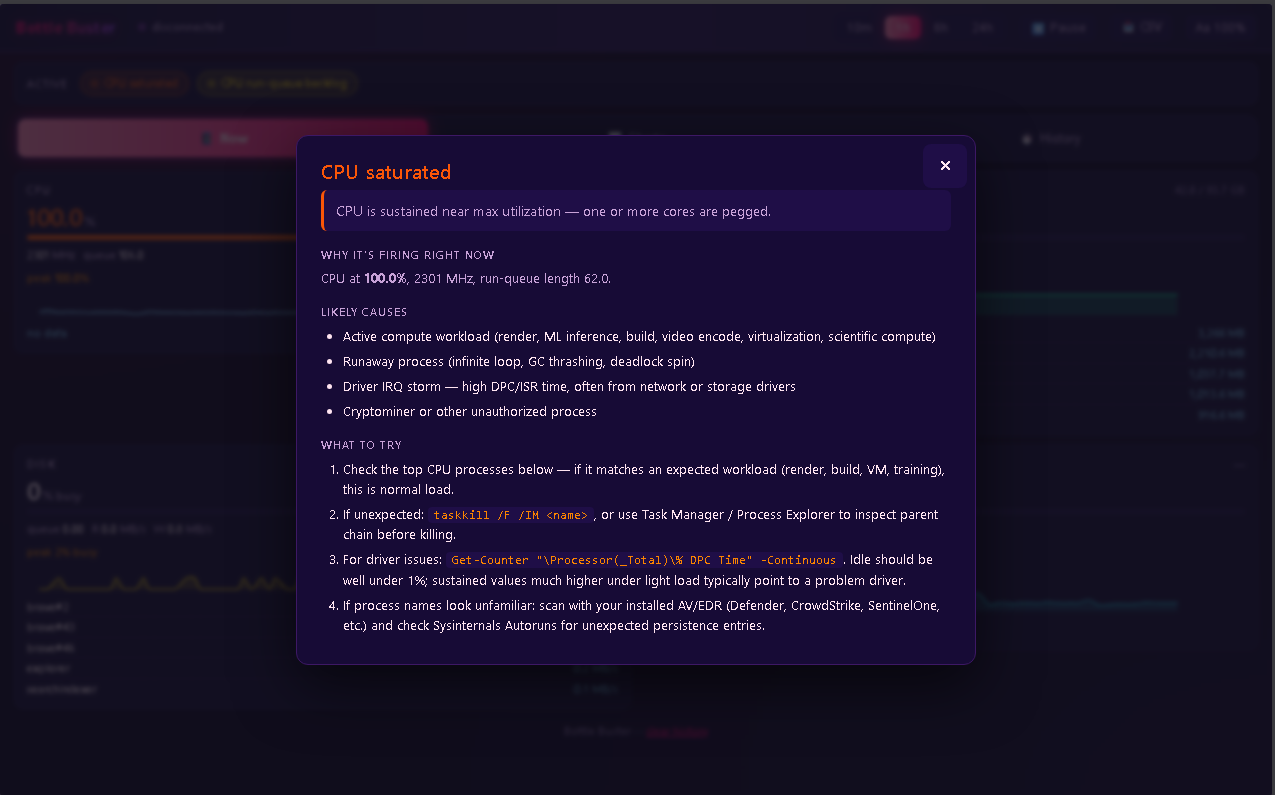
- 18 distinct bottleneck flags — CPU_MAX, GPU_VRAM, MEM_PAGING, DISK_QUEUE, GPU_THERMAL, GPU_THROTTLE (with reason)... when one fires, you get a diagnostic explainer for that exact condition, not a wall of numbers to interpret yourself
- Process attribution — when CPU or memory spike, the top processes responsible at that moment are recorded alongside the metric
- 24-hour rolling history — see the slowdown that happened an hour ago, not just "right now"
- Local browser dashboard — opens at
http://localhost:8088, no cloud, no telemetry, no account. The dashboard updates live and works in any browser including the one already open on your phone on the same network - Synthwave aesthetic — hot pink, cyan, deep purple. Custom window chrome, gradient glows, animated charts. Because performance tools don't have to look like 1998.
Install & uninstall
Single self-contained and Portable EXE file. No installer, no admin rights to run the dashboard itself. One-time elevation required for extended sensors provided by LibreHardwareMonitor under your user profile for the deeper thermal data. Also compatible with other common monitoring systems.
Requirements
- Windows 10 or 11 (x64)
- PowerShell 5.1 or 7+
- NVIDIA driver if you want GPU sensors
- An open localhost port for the dashboard (default 8088)
Disclaimer
Bottle Buster is in early access. It's actively developed, things may change between versions, and there will be rough edges. The dashboard and sensor pipeline work on the developer's hardware (Windows 11, AMD Ryzen + NVIDIA RTX 30-series) and a handful of other configurations, but hardware variance is enormous and your mileage may vary.
Provided as-is, with no warranty of any kind, express or implied. Use at your own risk. The author is not liable for any damage, data loss, crashes, instability, or other issues that may arise from running this software.
Downloads and Installs LibreHardwareMonitor (Optional) for thermal sensor data; see its repository for upstream license terms.
Bug reports and suggestions welcome through itch.io comments.
Download
Click download now to get access to the following files:
Leave a comment
Log in with itch.io to leave a comment.